feature ·
Hinode now runs on credit you add
Add credit, and everything you run is paid from it. Nothing is charged that you didn’t add first.

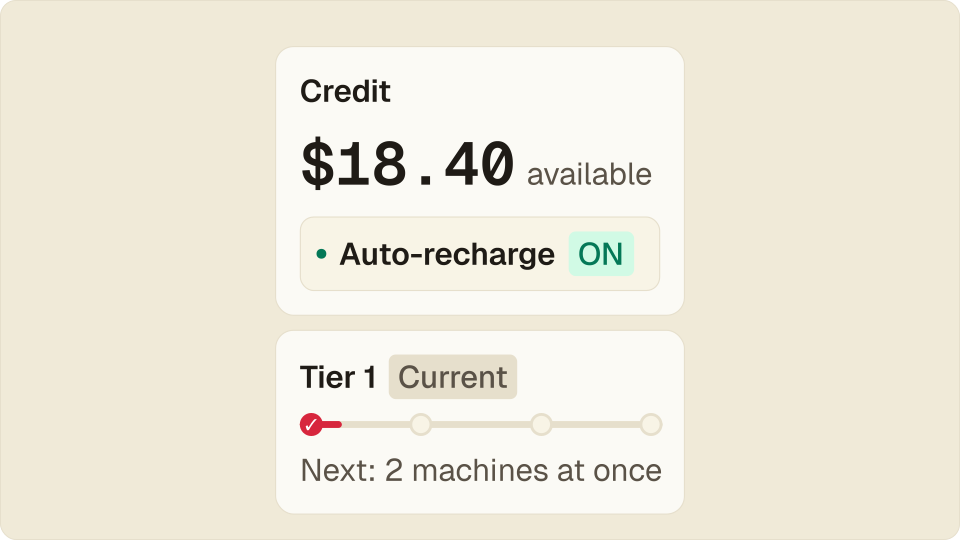
Hinode now works like a prepaid card. You add credit, everything you run is paid from it, and nothing is charged that you didn’t add first. At $0 your machines pause and keep their disks.
What changes
Until now a card sat on file, and the bill came at the end of the month for whatever had run. A training run left on over the weekend showed up weeks later.
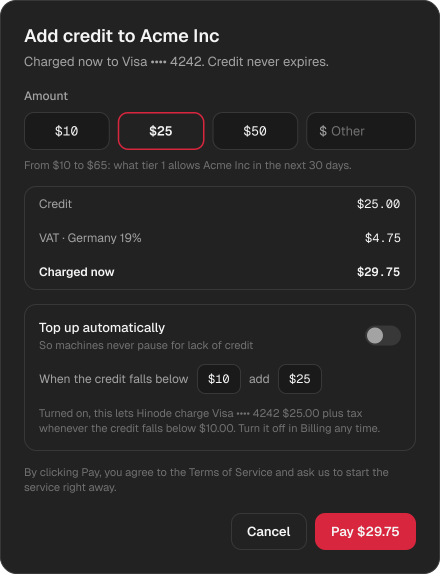
Now you add credit first, from $10: pick an amount or type your own. The tax is on the screen before you pay, and the credit never expires. The monthly invoice is still there for your accountant, but it’s paid from the credit, not your card.
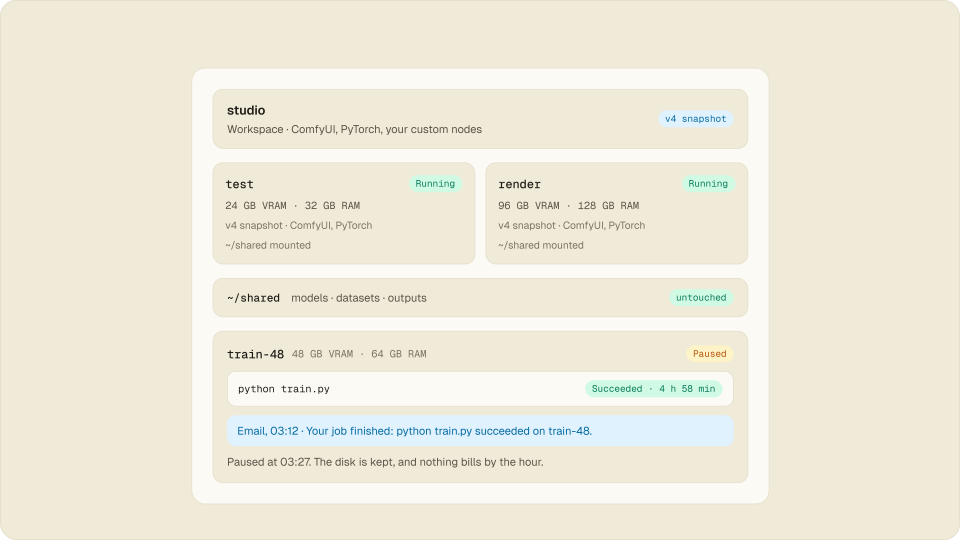
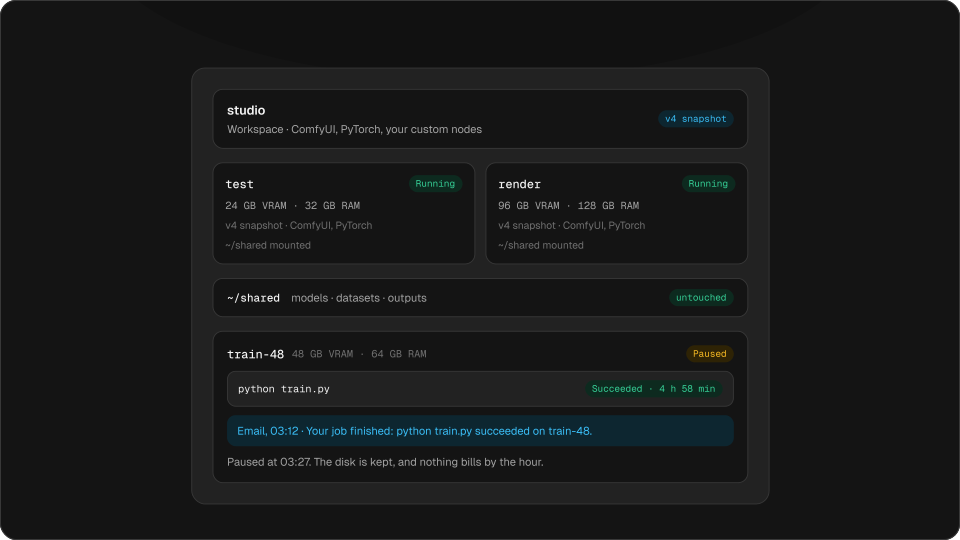
At $0, machines pause and keep everything
When the credit runs out, machines pause. Their disks stay, with your apps, models and files. Add credit, and the workspace starts again by itself; you resume the machines.
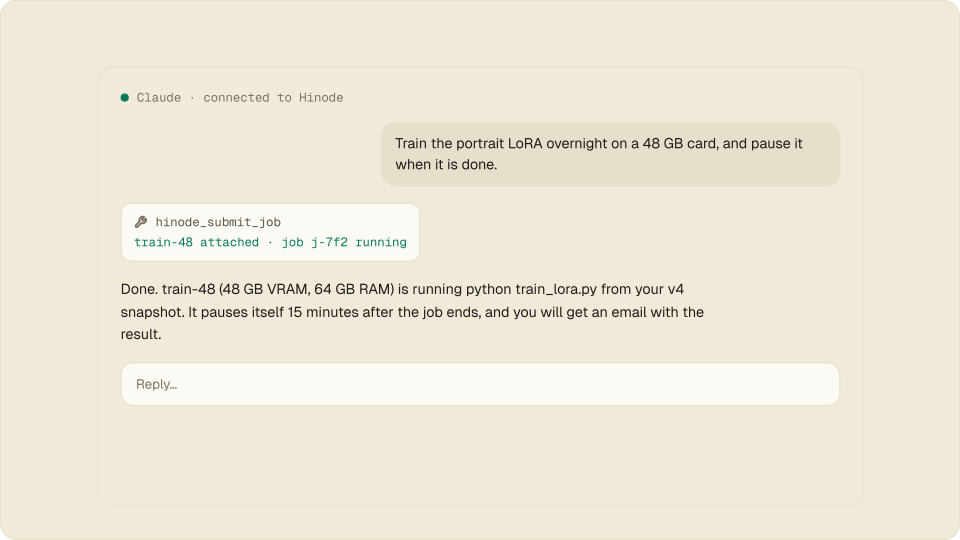
A job that was running stops with its machine, so for a long run, turn on auto-recharge.
Auto-recharge, off until you turn it on
Set a floor and an amount: below $10, add $25. If the bank declines, auto-recharge turns off and we email you. We never retry the charge. If your bank wants you to confirm a payment, Billing shows a Confirm payment button.
Limits that grow as you pay
Tier 1
Current$100 per month · 1 machine at once- Tier 1$35 paid
- Tier 2$100 paid
- Tier 3
- Tier 4
- Tier 1, after your first top-up: $100 of credit a month, 1 machine at once.
- Tier 2, after $100 paid and 7 days: $500 a month, 2 machines at once.
- Tier 3, after $500 paid and 14 days: $2,000 a month, 4 machines at once.
- Tier 4, after $2,000 paid and 30 days: $10,000 a month, 8 machines at once.
A new account runs one machine at a time; each tier adds more as your payments and days with us build up. Credit we gave you doesn’t count towards it.
All of it on one page
Billing now opens on what you have and what’s spending it: credit, tier, budget, this month’s usage, who pays, and one history of top-ups and invoices, with PDFs. It’s the same on the web, macOS, Windows and Linux.
Questions
Does unused credit expire?
No. It stays on your organization until you use it.
What happens to a running job at $0?
It stops with its machine. The disk and everything on it stay. Turn on auto-recharge for long runs.
Can I still set a budget?
Yes. A budget emails you when the month reaches it, and stops nothing.
How can I pay?
With a card, Link, Apple Pay or Google Pay.