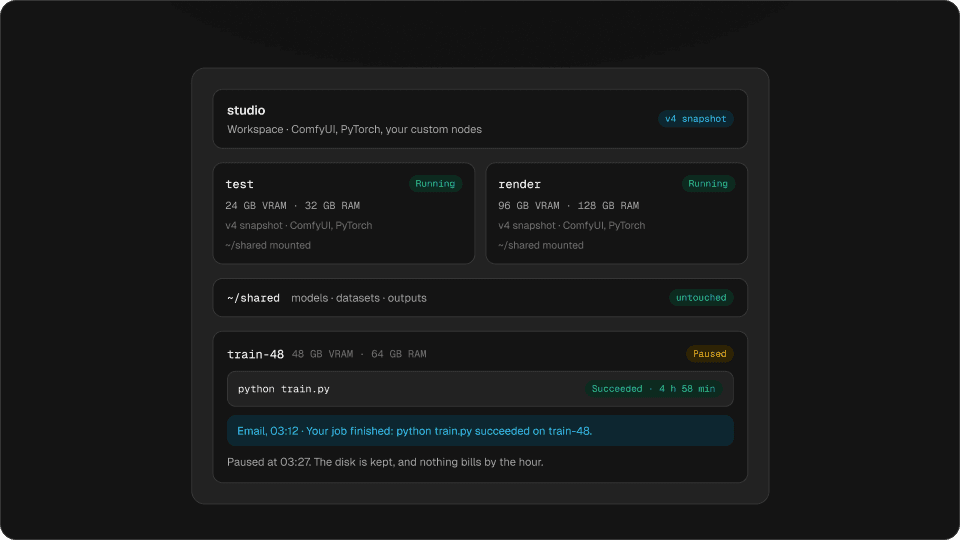
feature ·
Ask Claude to start the run
Hinode is now in Claude’s connector directory. Add it in two clicks, then ask Claude to pick a machine, start the job and tell you when it is done.
You can now add Hinode to Claude straight from its connector directory. There is no address to paste and no file to edit: open Connectors in Claude’s settings, find Hinode, and sign in once.
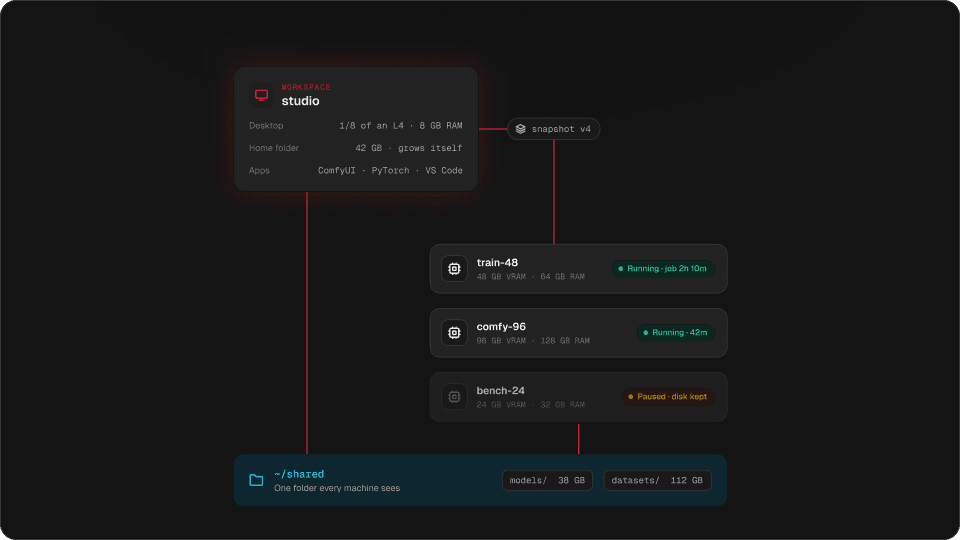
From then on Claude sees the same account you see in the app: your workspaces, your machines, your jobs, and what they cost today.
Try it
Ask Claude something
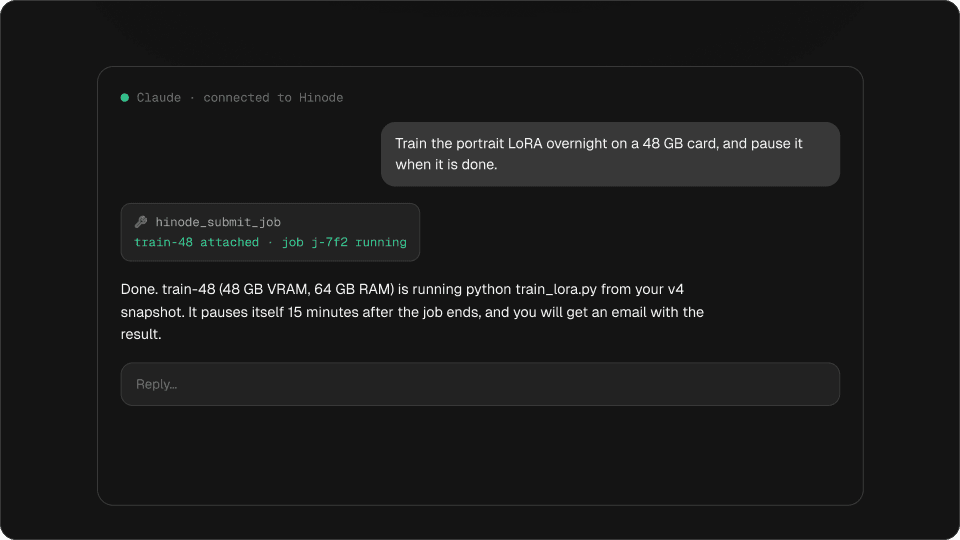
Claude · connected to Hinode
Train the portrait LoRA overnight on a 48 GB card, and pause it when it is done.
hinode_submit_job
train-48 attached · job j-7f2 running
Done. train-48 (48 GB VRAM, 64 GB RAM) is running python train_lora.py from your v4 snapshot. It pauses itself 15 minutes after the job ends, and you will get an email with the result.
Pick a question. Every answer is read from your account at the moment Claude replies.
What you can ask Claude to do on a GPU
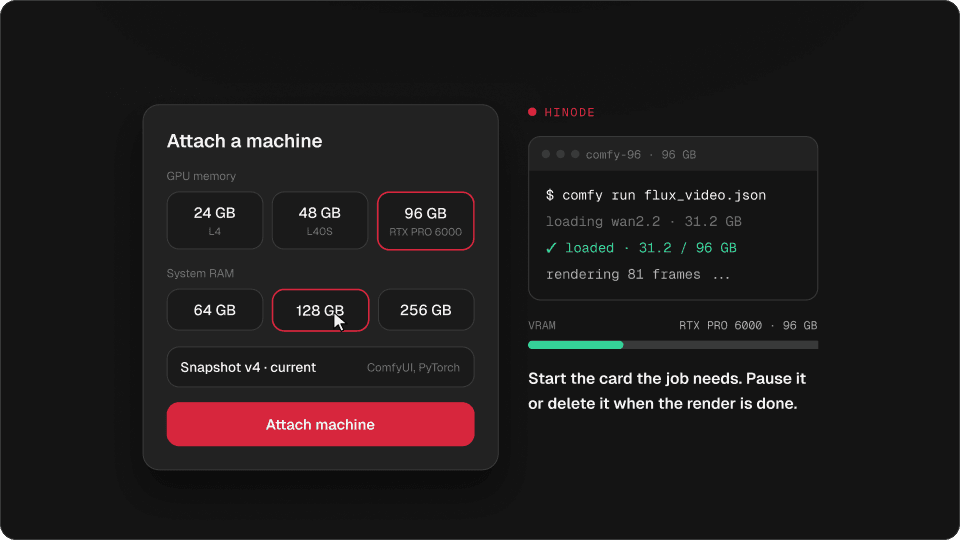
Ask what a 48 GB card costs and Claude quotes today’s rate. Ask it to run something and it attaches a machine from your latest snapshot, starts the job, and tells you when it ends.
“Train the portrait LoRA overnight on a 48 GB card, and pause it when it is done.”
11:42 pm · your laptop
~ — zsh$ hinode run --size 48x64 -d \
"python train.py"
job j-7f2 started
2:46 am · while you sleep
python train.pySucceededtrain-48 · 3h 04m · $12.14
train-48 paused itself at 3:01 am8:05 am · your inbox
HinodeYour job finished: python train.py
3h 04m on train-48, exit 0. The machine paused itself.
It also answers questions without starting anything:
- what each GPU size costs an hour, right now
- what is running in each workspace
- what this month has cost so far
- how a job ended, and the last lines it printed
- which apps are installed, and which are not in a snapshot yet
Claude waits for results in the same conversation: a machine coming up, a job ending, an install finishing. For work that runs for hours, it queues the next step to start when the current one succeeds, and the email tells you the rest.
What stays with you
Claude acts as you. It can start what you can start, and it is refused what you would be refused. A few things stay yours:
- Anything that starts a machine comes back with its hourly price first.
- Deleting a workspace or a machine takes its name typed back, and that is yours to type.
- Every machine records which assistant started it.
- A connected assistant shows under Settings → Active devices, and you can sign it out there.
The rest works as it does in the app: a machine bills while it runs and pauses itself fifteen minutes after the work stops.
Claude Code, ChatGPT and Codex
Everything that is not Claude’s directory connects to the same address. Paste it where your assistant asks for a remote MCP server.
https://mcp.hinode.runOn your own computer, Claude Desktop, Claude Code and Codex can run Hinode as a local MCP server instead. The Hinode app installs the hinode command, and one line of config is all it takes. There is no token to paste.
Try it
Where does your assistant run?
Claude: add Hinode from its connector directory. ChatGPT and the rest: add this address as a connector and sign in when asked.
https://mcp.hinode.run- Yes: Read prices, workspaces, machines, jobs and spend
- Yes: Attach, pause and delete machines, run jobs, install apps
- No: Run a command on a machine
- No: Read and write files on a machine
The local server does more: it can run a command on a machine, and read or write a file there, over your own SSH key. The whole setup, step by step, is in the docs: Hinode in your assistant.
Questions
Can Claude run a GPU job for me?
Yes. Add Hinode from Claude’s connector directory, then ask in plain words. Claude attaches a GPU machine, starts the command, and reports when it ends.
Do I need an API key or a token?
No. You sign in to Hinode once when you add the connector. The local hinode mcp server uses the sign-in the Hinode app already left on your computer.
Can an assistant spend money without asking me?
It can start what you can start. It quotes the hourly price before a machine starts, your monthly budget emails you as spending climbs, and machines pause themselves when the work stops.
Does it work with ChatGPT?
Yes. Add https://mcp.hinode.run as a connector in ChatGPT and sign in.
Can Claude see the files on my GPU machine?
Through claude.ai, no: it runs jobs and reads their logs. Claude Code or Claude Desktop with the local hinode mcp server can run commands and read and write files on your machines.