Docs / Ways inAll pages
11 · Ways in
Hinode in your assistant
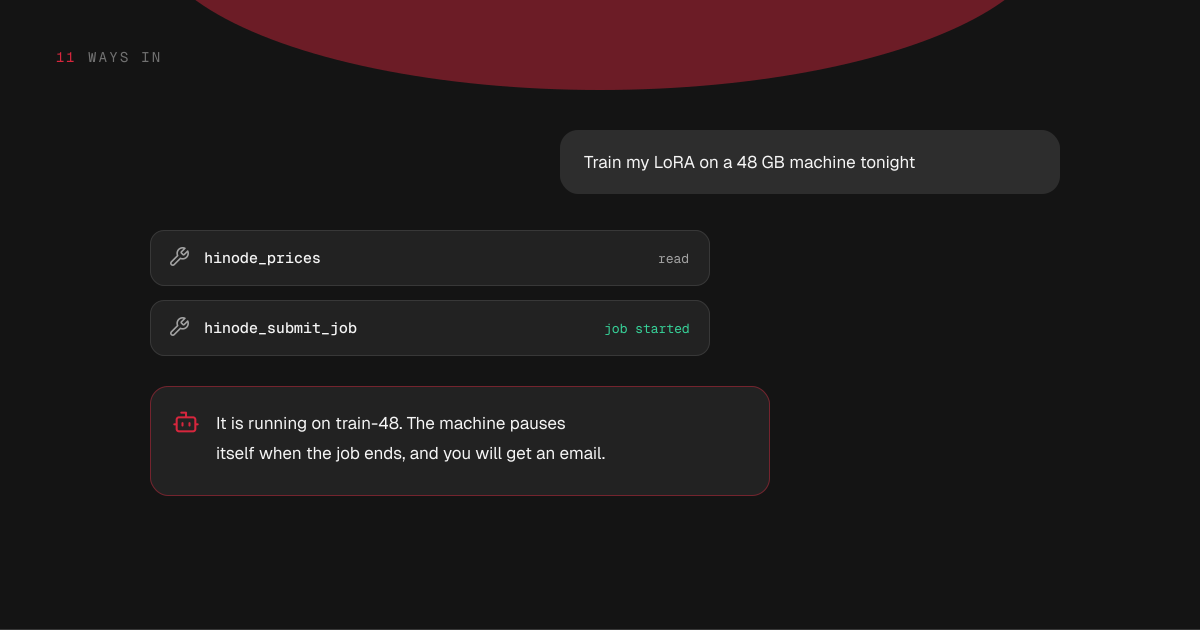
Claude, ChatGPT, Codex and other assistants can work your Hinode account: say what you need, and they attach the machine, run the job and tell you what it cost.
3 min read · prices are today’s
On this page5 sections
What an assistant can do
It reads what you would look at yourself: prices, your workspaces, their machines, jobs and their logs, what you are spending, and these documents.
It does what you would do yourself: create, rename and delete a workspace, pause and resume the workspace, attach a machine, pause, resume and delete it, submit and cancel a job, install applications, save a snapshot, and set your monthly budget.
Every price it quotes comes from Hinode at the moment it answers, not from its memory.
It waits for results in the same conversation: a machine or the workspace coming up, a job ending, an install finishing, a snapshot being saved. It cannot come back to the conversation later on its own, so for work that runs for hours it queues the next step to start when the current one succeeds, and you get an email when a job ends.
Try it
Where does your assistant run?
Claude: add Hinode from its connector directory. ChatGPT and the rest: add this address as a connector and sign in when asked.
https://mcp.hinode.run- Yes: Read prices, workspaces, machines, jobs and spend
- Yes: Attach, pause and delete machines, run jobs, install apps
- No: Run a command on a machine
- No: Read and write files on a machine
In a browser
Claude lists Hinode in its connector directory: find it in the connectors list in Claude, or open claude.ai/directory/hinode, and there is nothing to paste. ChatGPT, and anything else that takes a connector by address, wants one address:
https://mcp.hinode.runAdd it as a connector and sign in when it asks. If you are offered a choice of OAuth client, take the one that registers itself: there is nothing to fill in. Your Settings screen shows both the directory link and this address under Connect an assistant, with a button that copies them.
On your own computer
Claude Desktop, Claude Code, Codex and anything else that runs a server of its own use the hinode command instead:
{ "mcpServers": { "hinode": { "command": "hinode", "args": ["mcp"] } } }There is no token to paste and no second sign-in: it works as you, on the sign-in the Hinode application or hinode login already left on this computer.
An assistant set up this way also works on the machines themselves. It runs a command and reports what came back, reads and writes files, and reads a job's log straight from the machine. It uses this computer's key, so it reaches exactly what you reach, and a command it runs is stopped after a couple of minutes — longer work goes in as a job.
A connector in a browser cannot reach inside a machine, because Hinode has no way in from its side. Ask it to run a job instead.
Money and safety
An assistant acts as you. It can start whatever you could start, and it is refused whatever you would be refused. Nothing limits it beyond what limits you: your monthly budget emails you and stops nothing, and machines pause themselves after 15 minutes with nothing running.
Anything that starts a machine comes back with its hourly price, from $1.75 to $12.58. Deleting a machine or a workspace needs its name typed again. A machine records which assistant started it.
Signing an assistant out
A connected assistant appears in Settings under Active devices, beside your own computers. Revoke it there and it is signed out.

