Docs / Start hereAll pages
01 · Start here
What Hinode is
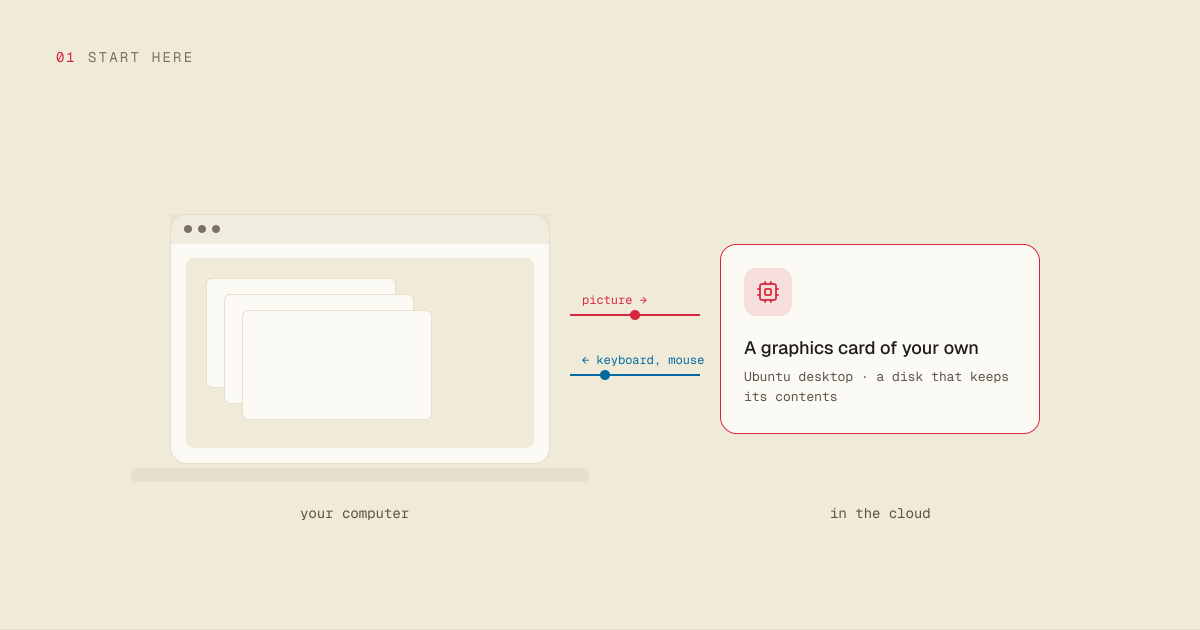
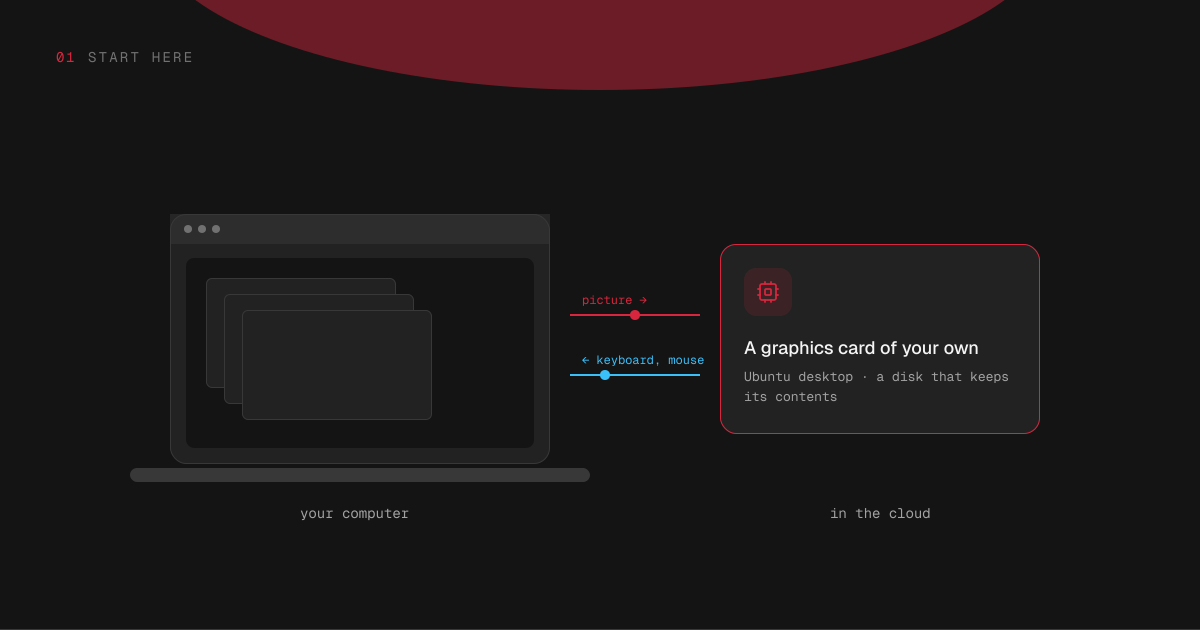
Hinode rents you a Linux computer with a graphics card in it, and puts its screen on the device you already own.
3 min read · prices are today’s
On this page4 sections
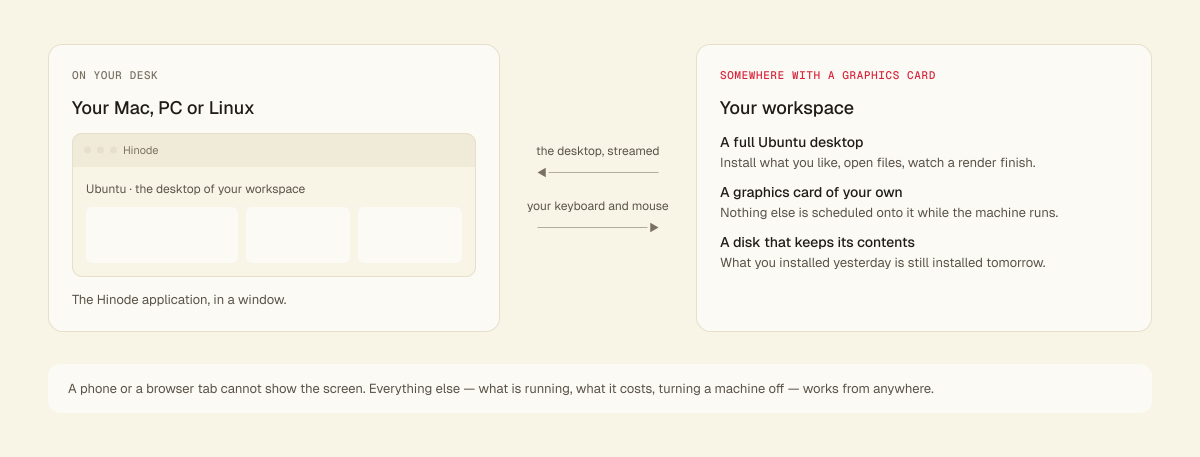
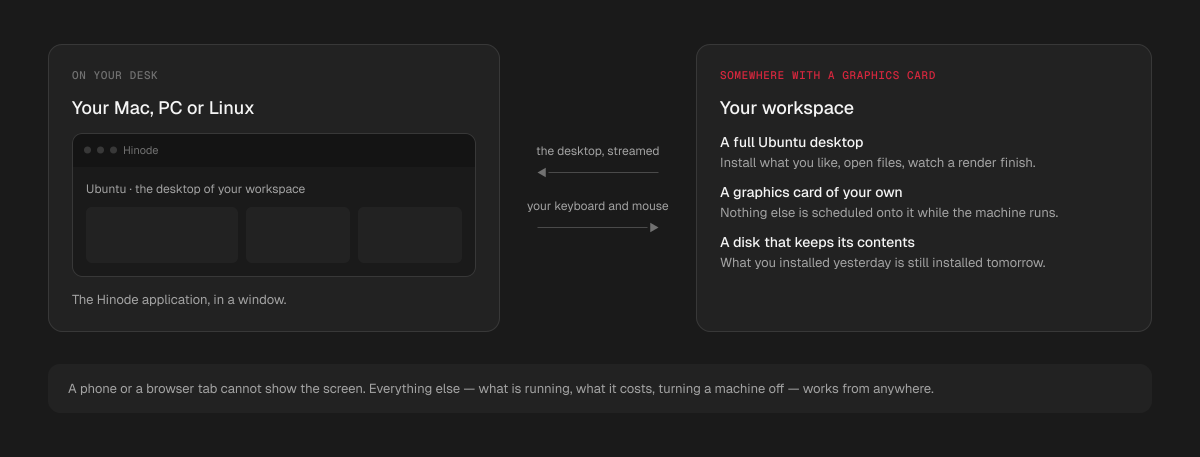
It is a real desktop, not a notebook interface and not a queue you submit work to. You sign in, connect, and a full Ubuntu desktop appears in a window on your Mac, PC or Linux computer. What you do there is what you would do on a workstation under your desk: install applications, open files, drag things around, watch a render finish. The machine keeps its disk between sessions, so what you installed yesterday is still installed tomorrow.
It is built for work that needs a GPU and has a window: image and video generation, model training and fine-tuning, 3D — anything where you watch the result rather than read a log. If your work never needs a screen, Hinode still suits you — you can reach the same machine over SSH and never open the desktop at all — but the screen is what most people come for.
What you get
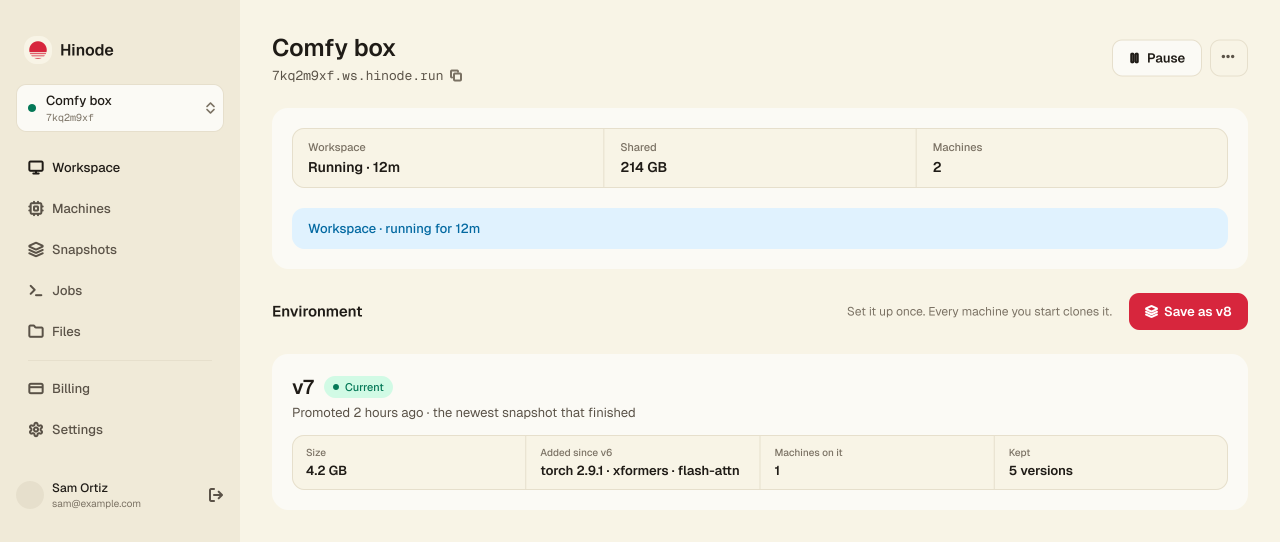
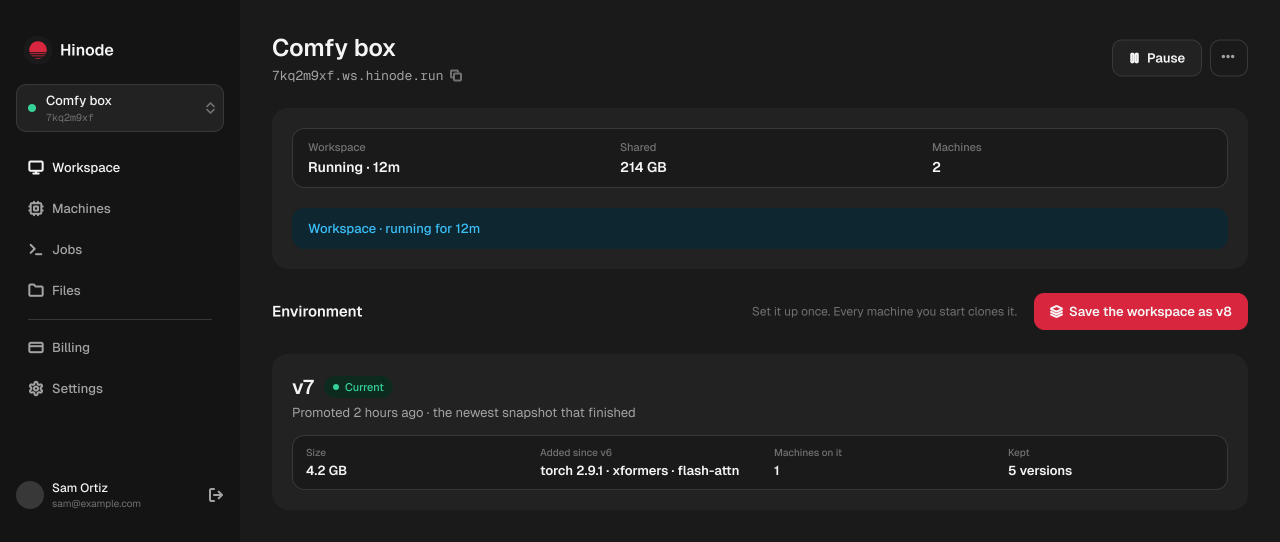
A workspace you keep. It has a name and an address, and a computer with a desktop and a small slice of a graphics card: it holds your home folder, your files and the programs every machine starts from. It bills while it runs and pauses itself when nobody is using it. It is where your things live, not where the heavy work runs.
Machines you add beside it when you want a whole graphics card, for as long as the work lasts. You choose how much graphics memory and how much system memory each one has. A machine bills while it runs, pauses itself when nobody is using it, and is gone when you delete it.
One place for big files. Models and datasets live where every machine in the workspace can see them, so a machine you add tomorrow already has them.
What it is not
It is not a shared computer. The graphics card in your machine is yours while the machine is running — nothing else is scheduled onto it.
It is not a subscription with an allowance. You are billed for what you run: the workspace at $0.297 an hour and each machine at its own rate, for the time each is running.
It is not a place to be careful about clicking. The expensive thing is a machine that is running, and the workspace and machines pause themselves when nobody is working on them.
Where the machine is
Hinode runs in two places: the United States (us-east-1) and Europe (eu-central-1). A new workspace is created in whichever answers your computer faster, and it stays there — the machines you attach and everything you store are in the same place.
The distance costs you at the screen, not at the work. A render takes the same time either way; a desktop on the other side of an ocean answers your mouse a little later.
The desktop needs a desktop
The screen of the workspace or of a machine is streamed to your own computer: to the Hinode application on macOS, Windows or Linux, or to a tab in Chrome or Edge. Safari, Firefox and phones cannot show it. Everything else about your workspace works from anywhere, including from a phone: you can see what is running, what it costs, and turn things off.
