Docs / Ways inAll pages
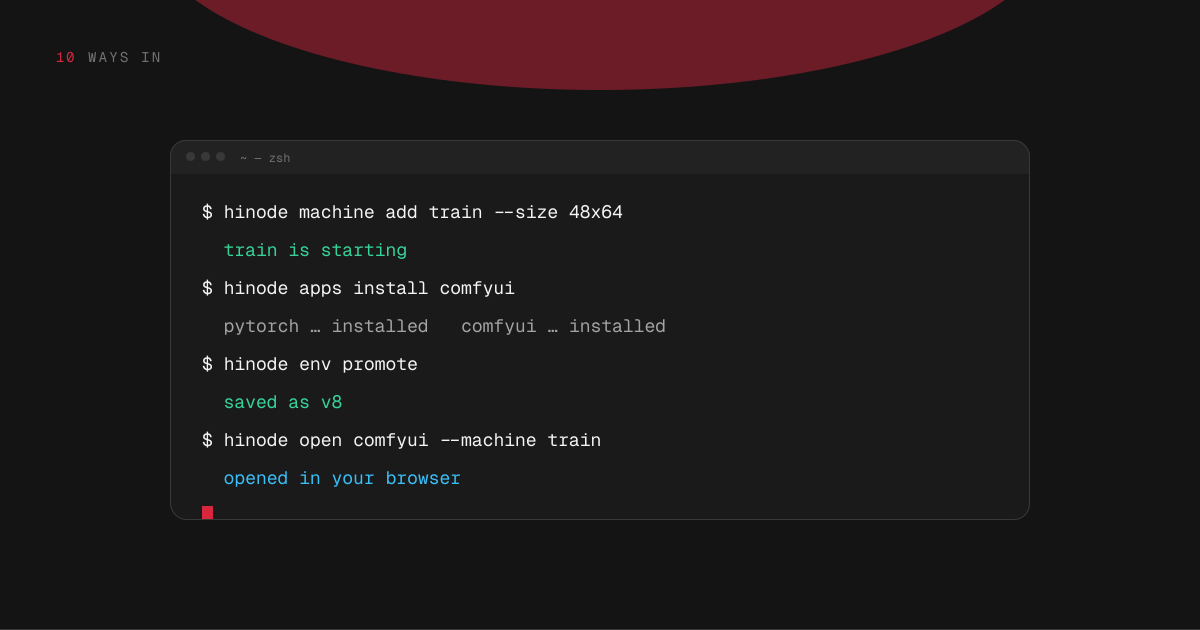
10 · Ways in
The hinode command
hinode runs on your own computer and does from a terminal what the application does with buttons: machines, jobs, applications, snapshots, spend, and SSH.
3 min read · prices are today’s
On this page6 sections
Getting it
The Hinode application for macOS, Windows and Linux carries the command and sets it up when you sign in, so if you have the application you already have hinode. It is one file with nothing else to install.
On a computer without the application, sign in once:
hinode login
hinode ssh setuplogin opens your browser. ssh setup makes a key for this computer, registers it with your account, and writes the SSH configuration, so ssh followed by a workspace or machine name connects with nothing to paste. Run hinode ssh setup again after you create, rename or delete something, and the configuration is rewritten.
Where a command takes a workspace, you can leave it out when you have only one.
Try it
What would you type?
$ hinode run --size 48x64 -d "python train.py"
job started · you can close this window
$ hinode job logs <job> -f
epoch 1/12 …
Machines
hinode machine sizes          # every size, and its hourly price
hinode machine quote 48x64    # the price, without starting it
hinode machine add train --size 48x64
hinode machine list
hinode machine pause train
hinode machine resume train
hinode machine rm trainA size is graphics memory by system memory. Anything that starts a machine prints its hourly price first. rm deletes the machine and what is on its own disk; the shared folder is untouched.
Jobs
hinode run --size 48x64 "python train.py"      # wait for it
hinode run --size 48x64 -d "python train.py"   # come back later
hinode run --machine train "python eval.py"    # a machine you have
hinode job list
hinode job logs <job> -f
hinode job cancel <job>
hinode job emails failuresWithout -d, hinode run exits with the job's own exit code, so it fits in a script.
Applications and snapshots
hinode apps catalog           # what there is to install
hinode apps install comfyui   # install on the workspace
hinode apps                   # what is installed and not saved
hinode env promote --description "ComfyUI and new nodes"
hinode env list
hinode open comfyui --machine trainhinode open starts an application on a running machine, forwards its port to this computer, and opens it in your browser. The port is never opened to the internet, and the tab works for as long as the command runs. Add --install to install the application first.
The workspace and your spend
hinode list      # your workspaces and their addresses
hinode pause     # stop the workspace; machines keep running
hinode resume
hinode disk      # the workspace's disk, and what it costs
hinode spend # what everything running costs an hourssh to a paused workspace starts it and waits. ssh to a paused machine does not: a machine costs real money an hour, so resuming one is always something you ask for.
For assistants and scripts
hinode mcp connects an assistant on this computer to your account; it is not something you run by hand. hinode open writes progress to the terminal and a line of JSON per step to its output, so a program can follow it.

