Docs / Start hereAll pages
02 · Start here
Your first hour
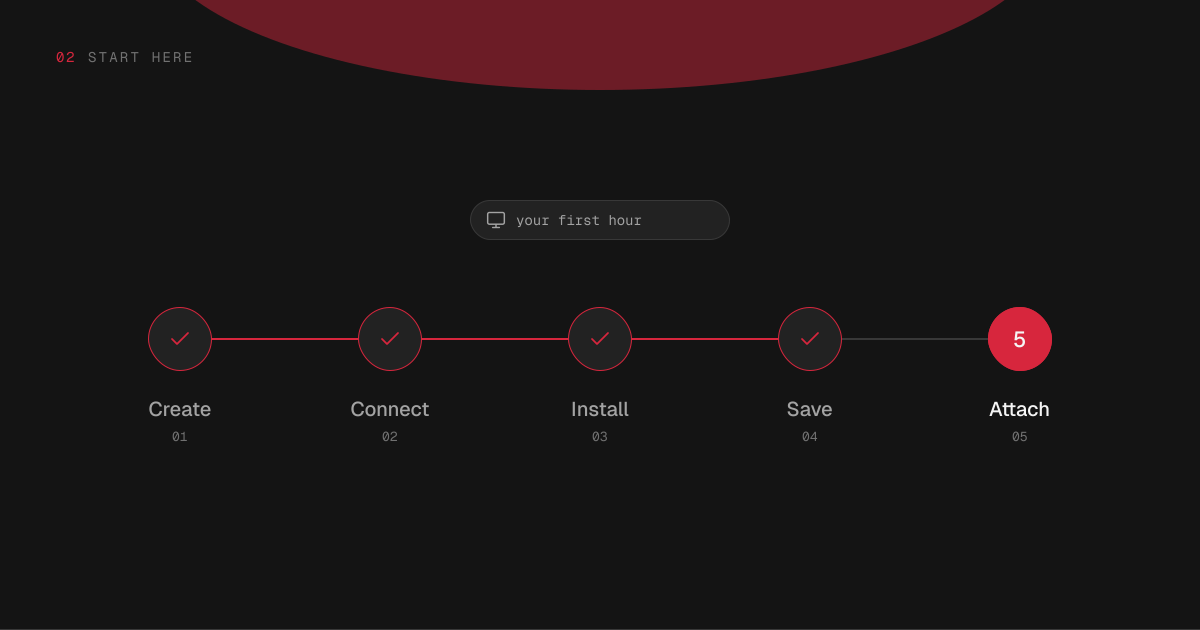
From signing up to a render on a whole graphics card, in five steps. Most of the hour is downloads, and you can work while they run.
2 min read · prices are today’s
On this page5 sections
Try it
Your first hour, step by step
Sign up at hinode.run, name the workspace, and add a card if the account has none. It starts in a couple of minutes.
Create a workspace
Sign up at hinode.run and give your workspace a name. Hinode asks for a card before the first workspace starts, unless the account already has one. Nothing is charged in advance: the bill comes at the end of the month, for what ran. The workspace costs $0.297 an hour while it runs.
It starts in a couple of minutes, in whichever region answers your computer faster — the United States or Europe — and stays there.
Connect to it
Install the Hinode application on your Mac, Windows PC or Linux computer and sign in, or stay in Chrome or Edge on a computer. Press Connect on the workspace, and its Ubuntu desktop opens in a window.
Signing in to the application also sets up SSH, so ssh followed by your workspace's name works from a terminal straight away.
Install what you need
On the workspace screen, pick applications from the catalog — ComfyUI, JupyterLab, Ollama and the rest — and press Install. Each card says how much it downloads before you commit. What an application depends on comes with it: ComfyUI brings PyTorch.
Anything outside the catalog installs the usual way, with apt, pip or conda, in a terminal on the workspace.
Save a snapshot
When the workspace has what you want, save it. The snapshot is what every machine you attach starts from, so anything installed after the last save is on the workspace and not on the next machine. Add a line saying what changed, and the list of versions reads as a history.
Attach a machine and work
Attach a machine, and pick how much graphics memory and system memory it has: machines run from $1.75 to $12.58 an hour. It starts from your newest snapshot, with your applications already on it. Connect to it, or open ComfyUI from its Connect menu in your own browser.
Put models and datasets in the shared folder, where every machine can read them. When you walk away, the machine pauses itself after 15 minutes with nothing running, and a paused machine costs only what is on its disk.

