Docs / The workspaceAll pages
03 · The workspace
A workspace, its machines, and jobs
Three things, and everything else in Hinode is one of them.
4 min read · prices are today’s
On this page4 sections
The workspace
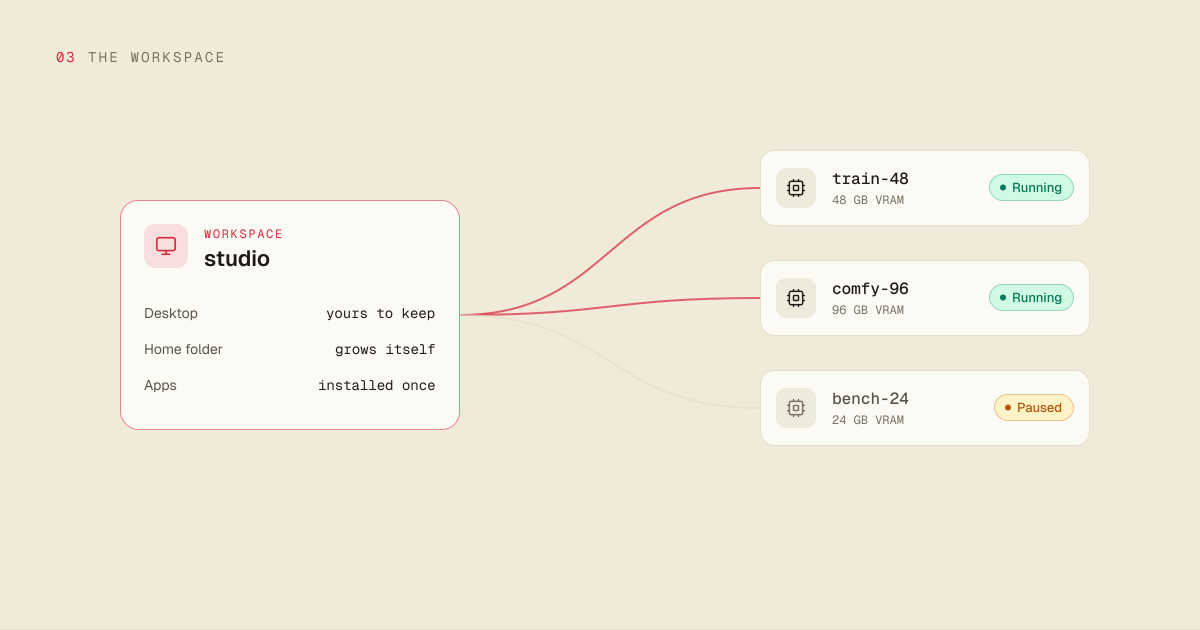
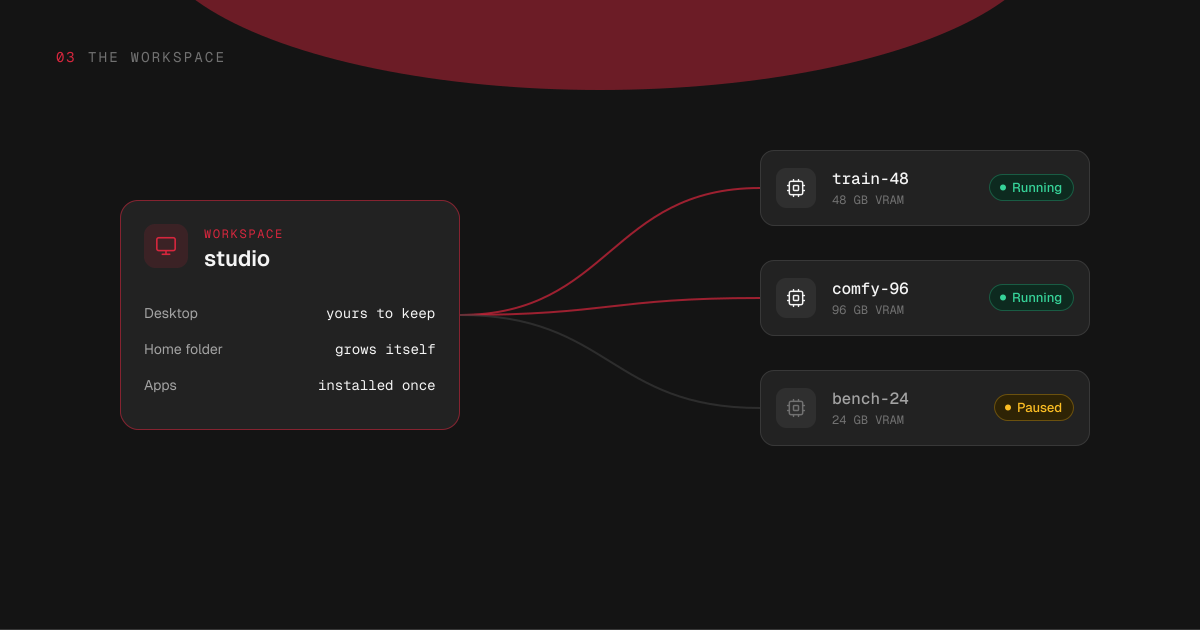
Your workspace is the place you come back to. It has a name you chose, an address that does not change, and a computer of its own with a desktop and a small slice of a graphics card, at $0.297 an hour while it runs.
That computer holds what you keep: your home folder, which the Hinode application also puts in the file manager on a Mac or a Windows PC; the shared folder every machine sees; and the programs you install for your machines to start from. Its desktop streams like a machine's, and you reach it over SSH. Work that needs a whole graphics card runs on a machine.
You can pause the workspace and resume it, and it pauses itself when nobody is using it, like a machine. A pause deletes nothing. Hinode also stops it when the credit runs out, and it starts again by itself once credit is added.
An account can hold more than one workspace. People use a second one to keep a client's work separate, or to keep an experiment away from something that has to keep working.
Machines
When the work needs a whole graphics card, you attach a machine. You pick two things: how much graphics memory it has, and how much system memory. Every combination has its own price per hour:
| Graphics memory | 32 GB | 64 GB | 128 GB | 256 GB |
|---|---|---|---|---|
| 24 GB | $1.75 | $2.36 | $2.73 | $5.99 |
| 48 GB | $3.30 | $3.96 | $5.30 | $7.97 |
| 96 GB | — | $8.05 | $9.56 | $12.58 |
The columns are system memory. Each price is the whole cost of an hour with that machine running; the workspace bills beside it, on its own line.
A machine is a computer, not a command. It has its own name and its own address and a desktop you can stream; you can open a terminal on it, install things on it, leave something running on it overnight. It starts with the same programs and settings your workspace has, so it is not a bare Linux box you have to set up again.
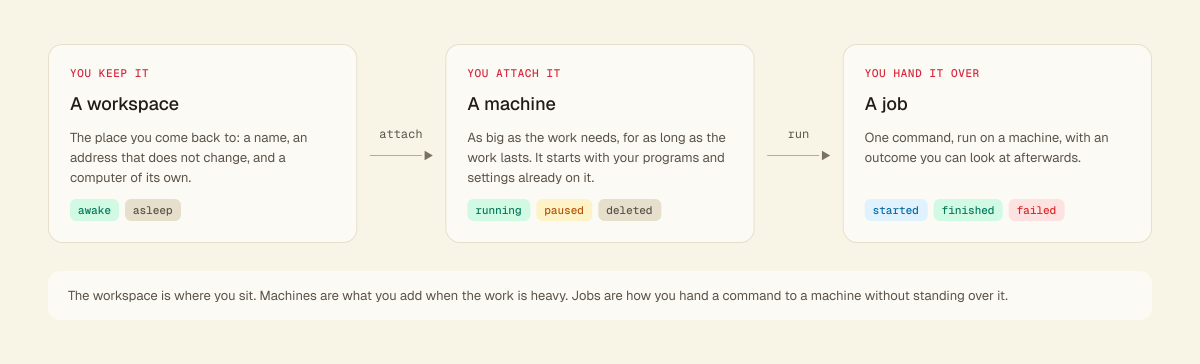
Machines have three states worth knowing:
- Running — it is on, and it is billing.
- Paused — you stopped it, or it paused itself. What is installed on it is kept, it costs what is on its disk and nothing else ($0.15 per GB a month), and resuming takes a couple of minutes.
- Deleted — it is gone, and so is what was on its own disk. Anything in the shared folder is untouched, because that is not on the machine.
You can pause a machine yourself, and one that nobody is using pauses itself.
Try it
What a machine costs in each state
48 GB VRAM · 64 GB RAM
$0.00/hr · disk kept
Bills
- No: the hourly rate
- Yes: its disk, $0.15/GB-month
- Yes: the shared folder
Kept
- Yes: what you installed
- Yes: its home folder
- Yes: the shared folder
Jobs
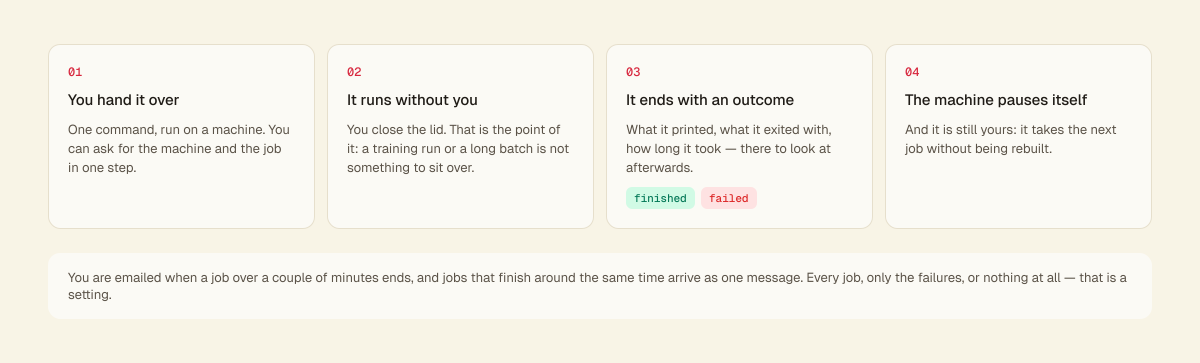
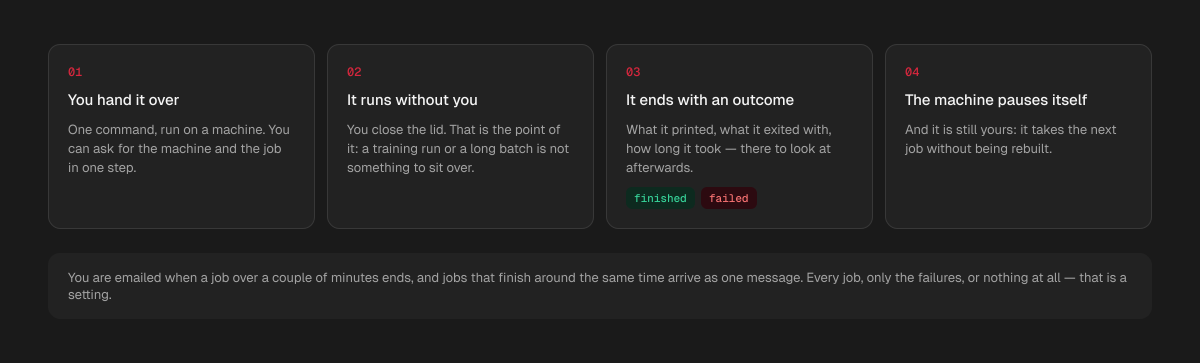
A job is one command, run on a machine, with an outcome you can look at afterwards: what it printed, what it exited with, how long it took.
It is how you hand work to a machine and stop watching it: a training run, a long batch, anything you would otherwise sit over an SSH session for. You can ask for the machine and the job in one step; the machine stays yours afterwards, takes the next job without being rebuilt, and pauses itself when the work is done.
What a job printed stays readable after the machine has paused itself, and after you delete it: the machine sends the end of the log as it goes and again when the job finishes. The whole log is on the machine while the machine is there.
You are emailed when a job that ran for more than a couple of minutes ends, and jobs that end around the same time arrive as one message. You can change that to every job, only the failures, or nothing at all.
How the three fit together
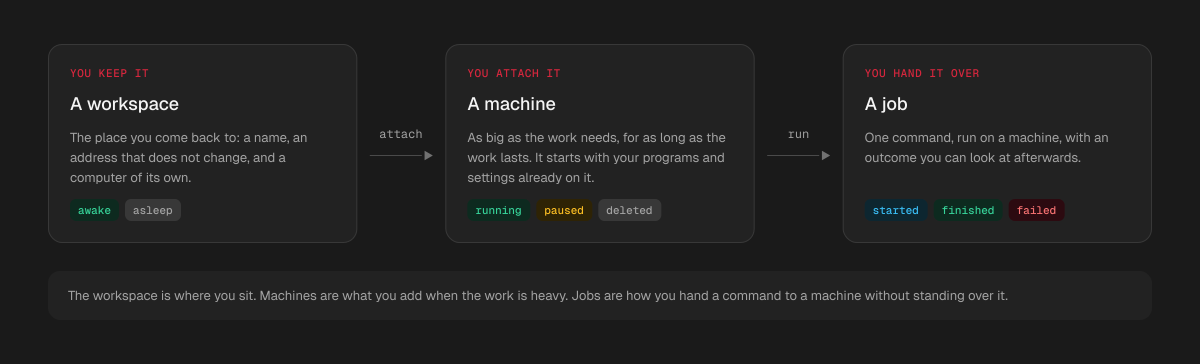
The workspace is what you keep: your files, your environment, a desktop, and an address that does not change. Machines are what you add when the work needs a whole graphics card. Jobs are how you hand a command to a machine without standing over it.
The workspace and each machine bill for the hours they run.
