Docs / RecipesAll pages
12 · Recipes
Many machines at once
Split a dataset into parts, start one job per part, and each job gets its own machine. All of them read the same shared folder. This is how you run a model over more data than one card gets through in a day: labeling, captioning, classification, scoring, embeddings.
4 min read · prices are today’s
On this page8 sections
How it works
- Set up once, on the workspace. Install what the job needs — vLLM, Ollama, PyTorch or your own environment — and save a snapshot. Every machine starts from it.
- Put the dataset in the shared folder. Every machine reads the same copy. Nothing is uploaded per machine.
- Start one job per part. Each
hinode run --sizeattaches a new machine and runs the command on it. - Write results to the shared folder. When a job ends, its machine pauses itself after 15 minutes with nothing running.
Splitting the work
Hinode does not split your dataset. Each job is a command, and the command says which part it takes. Pass the part as an argument:
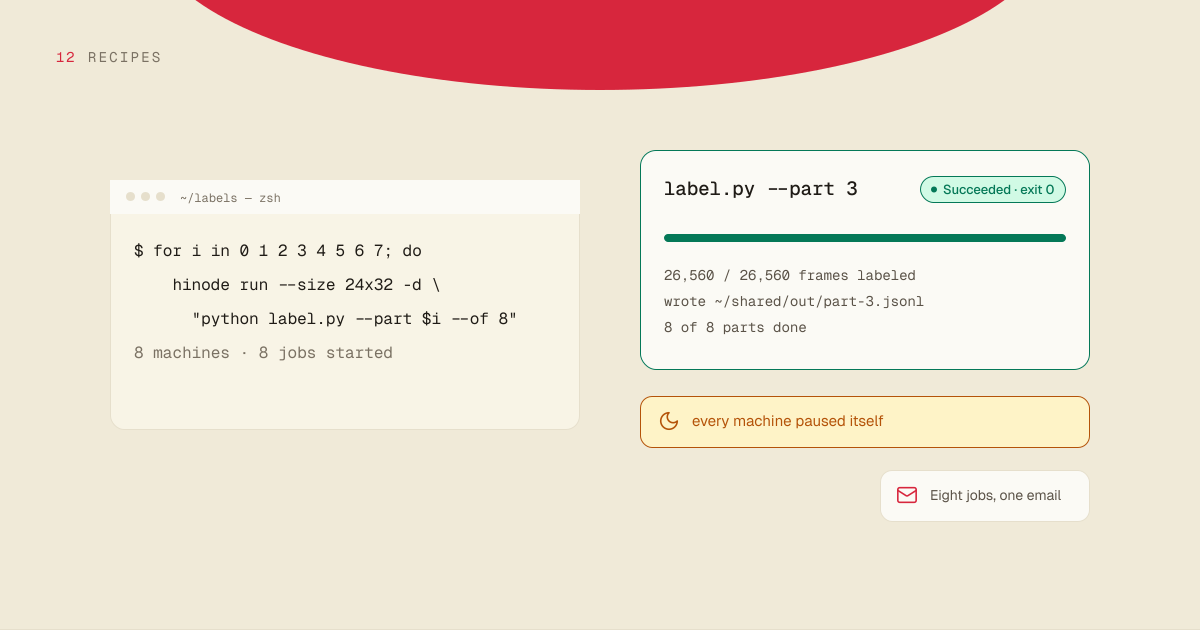
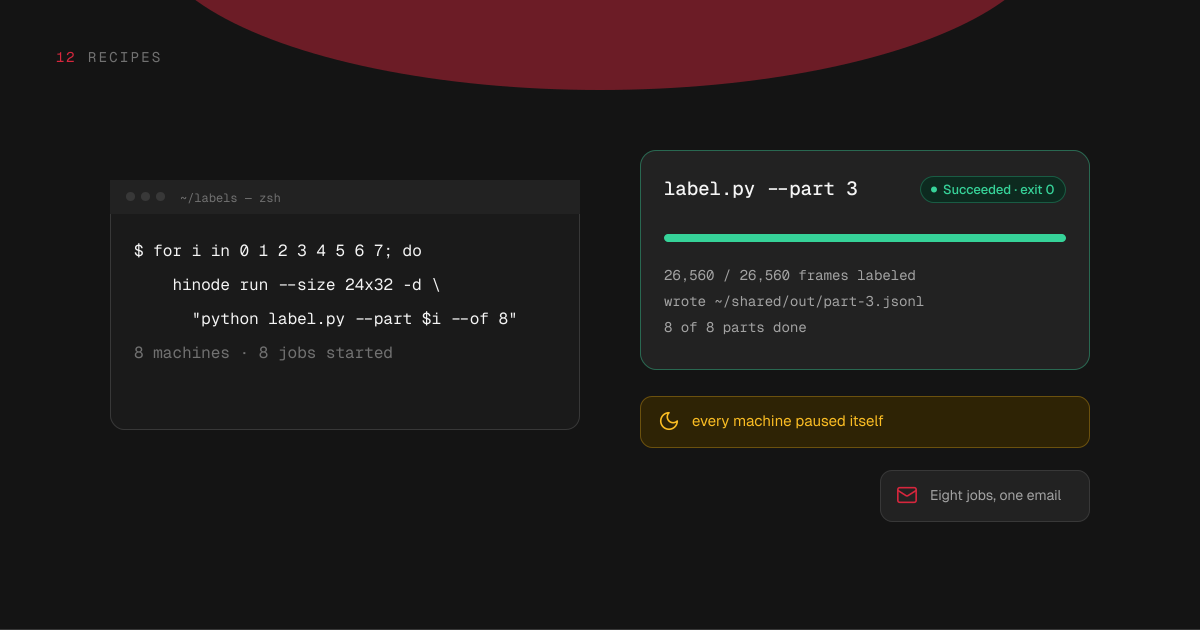
for i in 0 1 2 3 4 5 6 7; do
  hinode run --size 24x32 --name label-$i -d "python label.py --part $i --of 8"
doneThat is eight machines, named label-0 to label-7, each running the same script on its own part. The script picks its files by the part number — every eighth file, starting at its own — and writes its results to a file of its own, such as ~/shared/out/part-3.jsonl. Two jobs never write to the same file.
Every command prints the machine's hourly price before the machine starts.
Make the script skip items that already have a result. Then a rerun picks up where the last run stopped instead of starting over.
Watching them
hinode job list shows every job in the workspace and how each one ended. hinode job logs <job> -f follows one live. The jobs run whether or not your computer is on.
When a job that ran for more than a couple of minutes ends, you get an email. Jobs that end around the same time arrive as one message, so eight parts finishing together are one email, not eight.
When one part fails
Only that part runs again. Its machine still has everything installed, so resume it and give it the same command:
hinode machine resume label-3
hinode run --machine label-3 -d "python label.py --part 3 --of 8"A job given to a paused machine waits as Queued and runs when the machine is resumed.
A step that needs a bigger card
Give the heavy step a bigger machine. To start it only after another job succeeds, name that job with --after:
hinode run --size 48x64 -d --after <job> "python score.py"--after names one job. For a step that needs every part done, start it once hinode job list shows all of them as Succeeded, or ask an assistant to wait for them and start it.
What it costs
Each machine bills by the minute while it runs, at its own rate. The cheapest is $1.75 an hour. Eight machines for an hour cost the same as one machine for eight hours, plus the minutes each one takes to start. So splitting the work buys time, not a bigger bill.
A machine stops billing for compute when it pauses. Its disk bills for what is on it at $0.15 per GB a month until you delete the machine. Delete them when the run is done: hinode machine rm label-3. The shared folder, and the results in it, stay.
How many machines
No limit is set per account. If a region has no card of the size you asked for, the machine waits and tries again, and says until when. You can pick another size meanwhile.
Letting an assistant run it
An assistant connected to your account can do all of this: attach the machines, start a job on each, wait for them, and tell you when the last one ends. Ask it in your own words — "label every image in ~/shared/frames on eight of the smallest machines" — and it quotes the hourly price before it starts anything.


