feature ·
Start a training run and go to bed
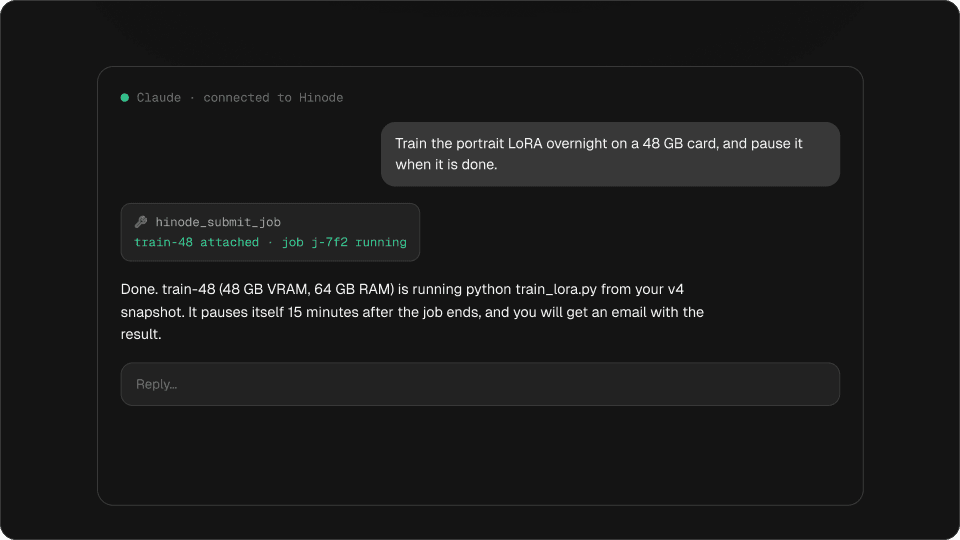
Hand the command to a machine. It pauses itself when the job ends and emails you.
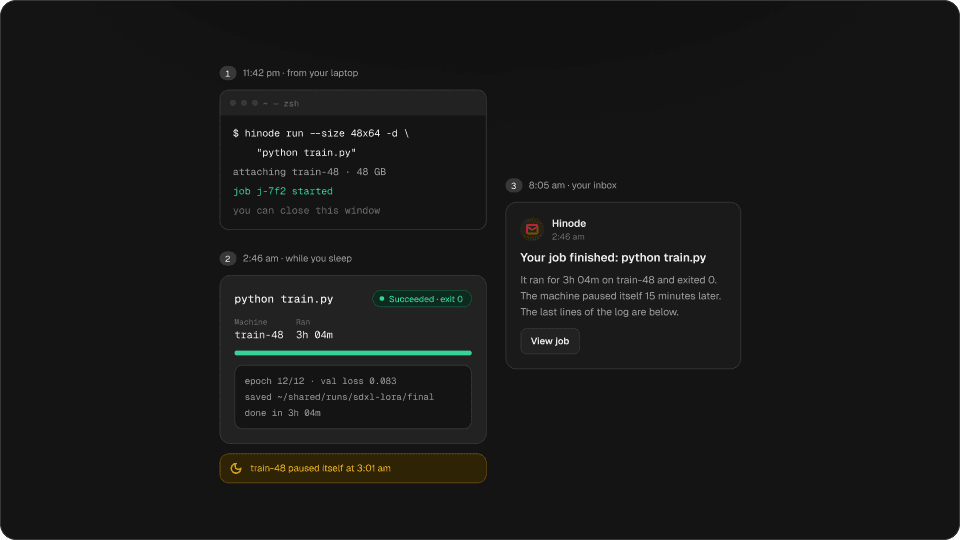
One command starts the training run on a GPU machine. Close the laptop. You get an email when it ends, and the machine pauses itself fifteen minutes later.
A long training run on a rented GPU usually means babysitting: an SSH session you are afraid to close, a tmux you check at 2 a.m., and a machine that keeps billing after the run ends because nobody was awake to stop it.
A job hands the command to a machine and lets you walk away.
Try it
Drag through the night
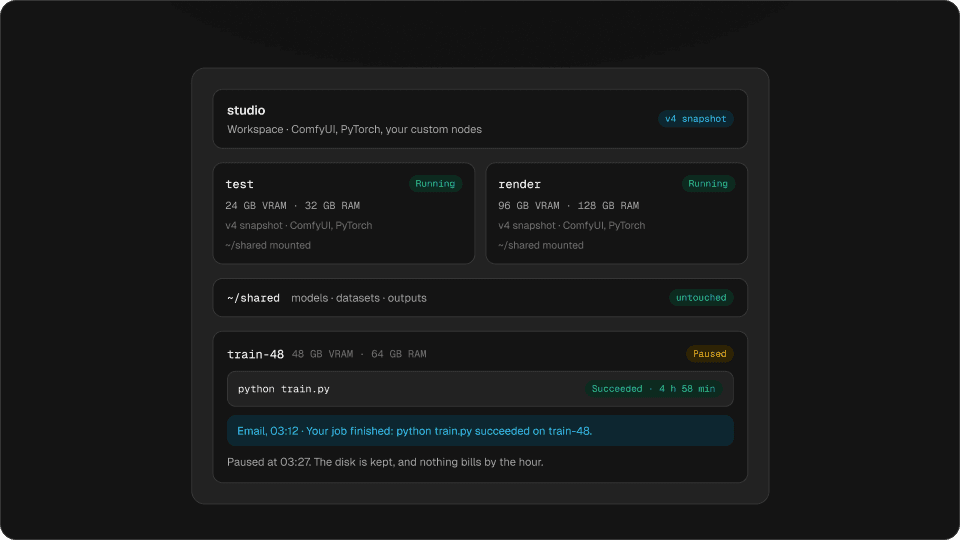
03:12 · Your job finished: python train.py succeeded on train-48.
Paused at 03:27. The disk is kept, and nothing bills by the hour.
Drag through the night. The machine stops billing fifteen minutes after the job ends.
One command
hinode run --size 48x64 -d "python train.py"It prints the hourly price, attaches a 48 GB machine from your newest snapshot, starts the command, and gives you the terminal back. Leave out -d and it follows the job to the end and exits with the job’s own exit code, so it fits in a script.
Try it
Build the command
$ hinode run --size 48x64 -d "python train.py"Prints the hourly price, attaches a 46 GB 46 GB card machine from your newest snapshot, starts python train.py, and gives you the terminal back.
Build the command, then copy it.
Chain the steps
To train only after the install finishes, name the first job with --after. The second job waits as Queued and starts the moment the first one succeeds. If the first one fails, the second ends without running.
hinode run --machine train -d "pip install -r requirements.txt"
hinode run --machine train -d --after <job> "python train.py"While you sleep
The job runs whether anything is connected or not. hinode job logs <job> -f shows the log live when you want to look. A quiet job still counts as work: a run that is downloading a dataset with the GPU idle will not be paused under you.
When the job ends, the end of its log is saved with the outcome, so you can read it after the machine pauses, and even after you delete it.
11:42 pm · your laptop
~ — zsh$ hinode run --size 48x64 -d \
"python train.py"
job j-7f2 started
2:46 am · while you sleep
python train.pySucceededtrain-48 · 3h 04m · $12.14
train-48 paused itself at 3:01 am8:05 am · your inbox
HinodeYour job finished: python train.py
3h 04m on train-48, exit 0. The machine paused itself.
The email, and the pause
You get an email when a job that ran for more than a couple of minutes ends. Jobs that end around the same time arrive as one message. hinode job emails failures sends only the failures, and none sends nothing.
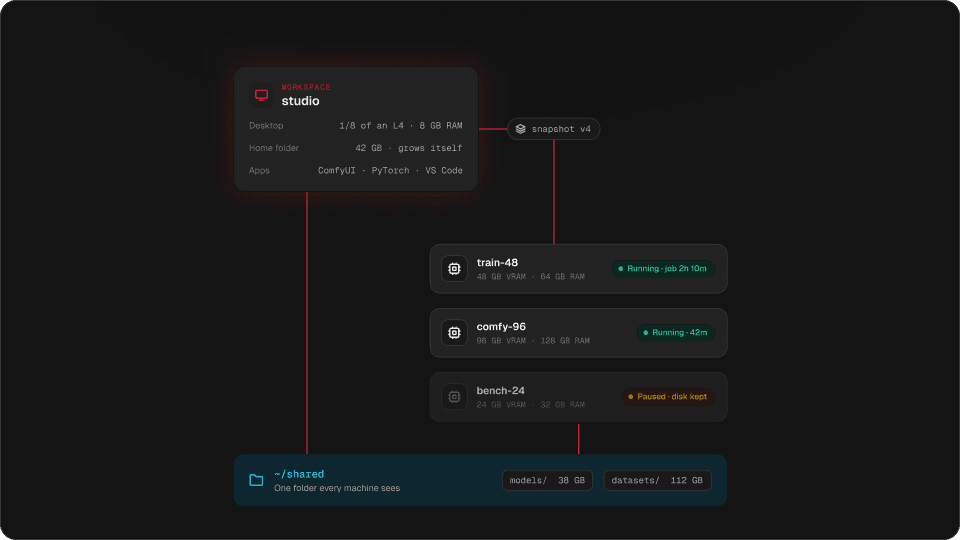
Fifteen minutes after nothing is running, the machine pauses itself. It keeps its disk, and the next job starts on it without any setup.
Questions
Can I close my laptop while the training runs?
Yes. The job runs on the machine, not in your terminal.
How do I know when my LoRA training has finished?
Hinode emails you when a job that ran longer than a couple of minutes ends, and says how it ended.
Does the GPU keep billing after the job ends?
For fifteen minutes at most. Then the machine pauses itself, and only its disk is billed.
Can I read the log after the machine has paused?
Yes. The end of the log is saved with the job and stays readable after a pause or a delete.
Which trainers work?
Anything you run from a command line: AI Toolkit, Axolotl, kohya scripts, or your own train.py.